
Invalid, Disposable, Catch-All, Unknown: How to Read Email Verification Results Correctly
Learn what common email verification results mean, including invalid, disposable, catch-all, and unknown, so you can make smarter sending decisions.
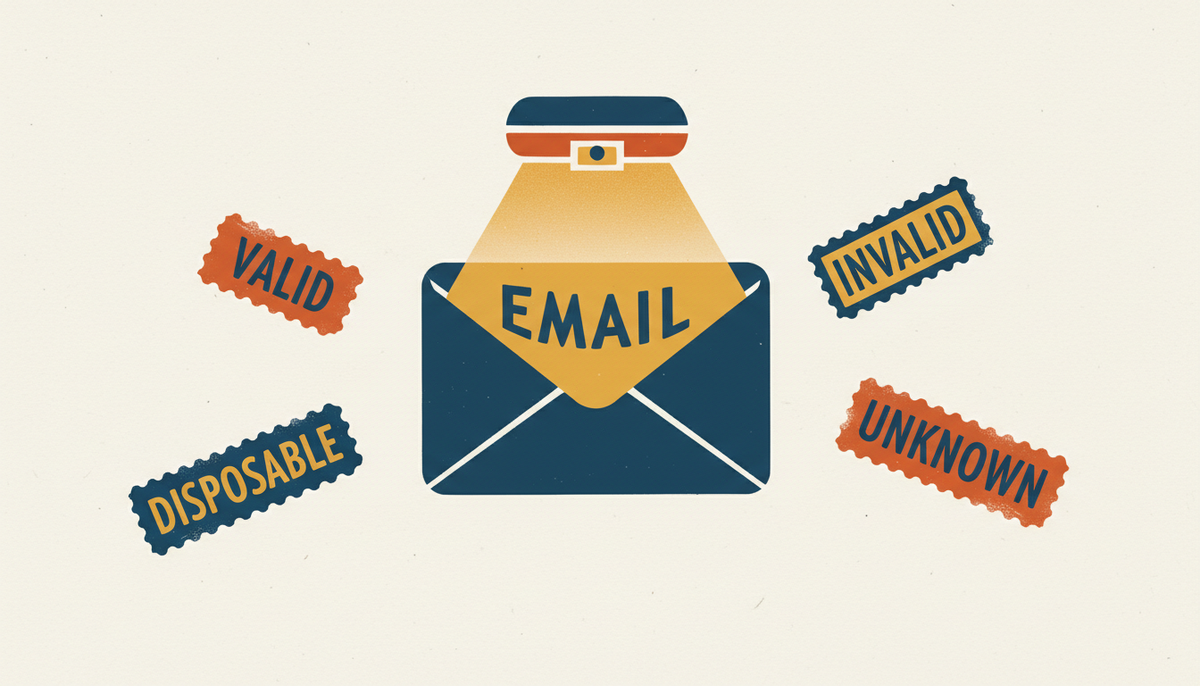
An email verification result looks simple until you actually have to act on it.
Valid sounds easy enough. Invalid sounds obvious. Then you run into labels like disposable, catch-all, unknown, role-based, risky, maybe even accept-all, and the whole thing starts to feel more interpretive than expected.
That is normal. Verification results are useful, but only if you know what each label is really telling you.
Why result labels matter
A label is not just a description. It is a decision point.
The difference between "valid" and "catch-all" can affect whether you send immediately, hold the contact for review, or suppress it entirely. Misreading those statuses leads to the same old problems: unnecessary bounces, muddled engagement data, and avoidable damage to sender reputation.
If you only need to check one address and understand the result quickly, Email Verifier by Craften keeps the process simple. That is especially useful when you are working through individual contacts rather than giant lists.
Invalid
Invalid usually means the address should not be used.
Common reasons:
- The syntax is broken
- The domain does not exist
- The mailbox appears unavailable
This is the easiest status to act on. Do not send. There is rarely a clever workaround here.
Sometimes people hang on to invalid addresses because the lead looks valuable. That is understandable, but it does not change the result. If the address is invalid, sending to it only increases bounce risk.
Disposable
Disposable addresses are temporary or throwaway inboxes created for short-term use.
People use them for all sorts of reasons:
- Avoiding marketing follow-up
- Claiming a one-time offer
- Testing a form
- Protecting their primary inbox
A disposable result does not always mean malicious intent. But it often means low long-term value. If your goal is a durable email relationship, disposable addresses are usually poor candidates.
Catch-All
Catch-all results are more ambiguous. The domain may be configured to accept mail for many addresses, even when individual inbox status is not clear.
That makes catch-all different from both valid and invalid:
- Not clearly safe
- Not clearly unusable
- Dependent on context
For outbound or high-risk sending, many teams segment catch-all addresses instead of treating them as normal valid records. That is often the more sensible choice.
Unknown
Unknown is the result that frustrates people most, mostly because it feels unfinished.
In practice, unknown usually means the verification tool could not get a reliable answer. That can happen for technical reasons:
- The server is slow to respond
- The domain has stricter configuration
- The mailbox provider limits verification signals
Unknown does not automatically mean bad. It means uncertain.
And uncertainty should change how you act. Maybe you hold it for later review. Maybe you verify again later. Maybe you avoid using it in a high-volume campaign. The wrong move is pretending unknown means valid just because you want a cleaner list.
A quick decision guide
Here is a straightforward way to think about common statuses:
Valid
Usually safe to use, assuming the contact source itself is trustworthy.
Invalid
Do not send.
Disposable
Use carefully, often suppress for long-term marketing.
Catch-All
Segment and evaluate based on source quality and campaign risk.
Unknown
Pause and review. Do not force certainty where there is none.
Context still matters
This part is easy to forget. A verification result is not the whole story.
A valid address can still be a terrible fit if the person never asked to hear from you. A catch-all address on a well-known company domain may still be worth a carefully targeted one-to-one email. A role-based inbox can be appropriate if the topic matches the role.
So yes, read the result. But also read the situation.
What to do if you are checking one address manually
Sometimes the task is small. You are about to send one important message and want to make sure the address is not obviously risky.
That is where a lightweight checker helps. Email Verifier by Craften is useful for one-off verification because it is free, requires no signup, and focuses on exactly that quick decision moment.
That kind of simplicity is nice when you do not need an entire workflow around one email address.
Final thought
Email verification results are best treated as guidance, not magic. Invalid is usually clear. Disposable often signals weak long-term value. Catch-all and unknown require judgment.
If you can accept that not every answer will be perfectly binary, you will make better decisions with the results you get.
FAQ
Is unknown the same as invalid?
No. Unknown means the result is inconclusive, not necessarily bad.
Should I send to disposable emails?
Usually not for long-term marketing. They tend to be low-value addresses.
How can I check one email quickly?
You can use Email Verifier by Craften to verify a single address without creating an account.